
One node, nothing to set up
Add the node and write in the TalkKit tab. The lines live in the scene. There's no database and no file per line.
Add a node, write conversations in the TalkKit workspace, and let the player walk up and talk. Your existing game logic stays untouched. For Godot 4.6 and 4.7.
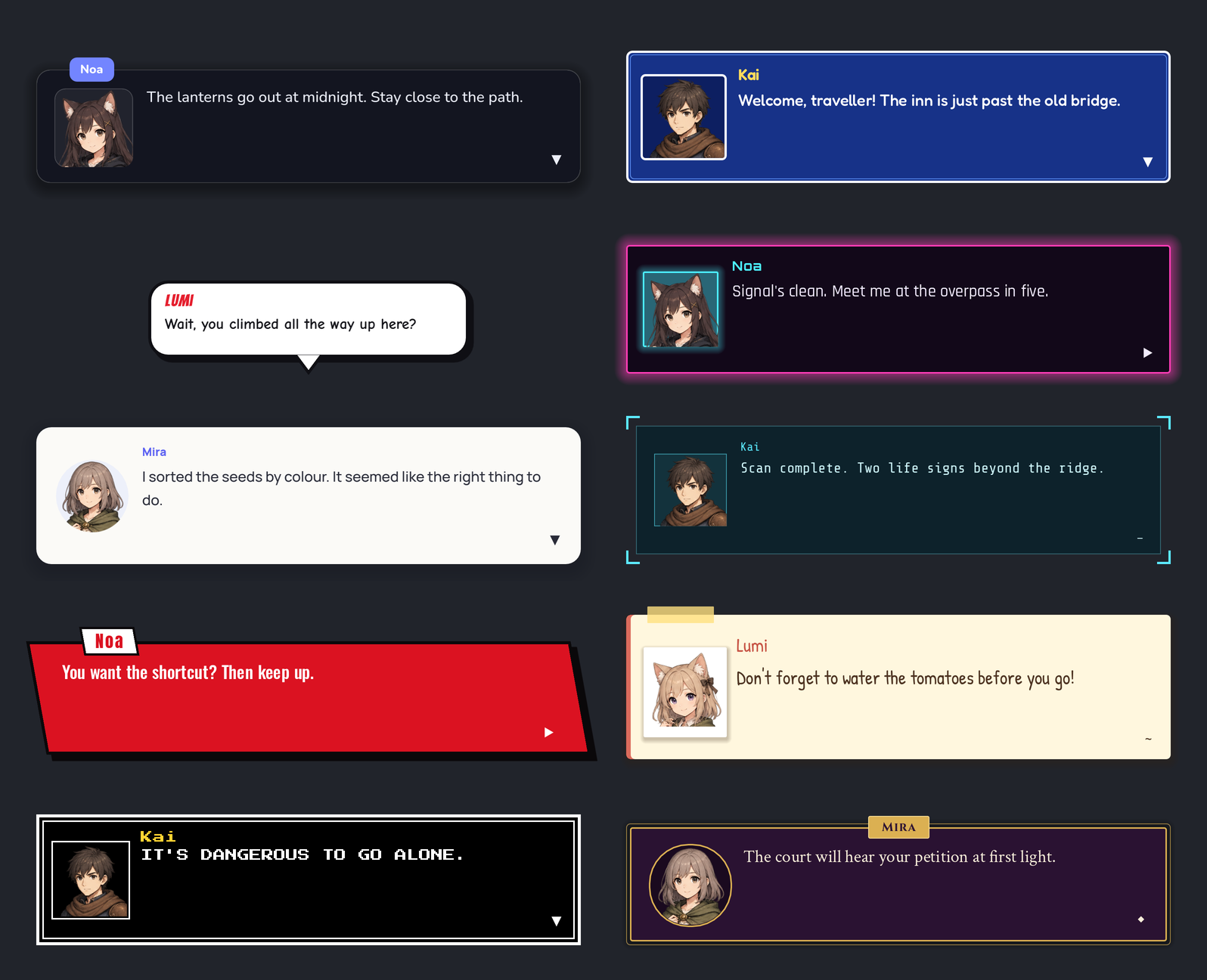
A node on the NPC, three lines in the TalkKit tab, a talking area, then Play. No script was opened. The preview on the right is the box your players will see, and it follows what you type.
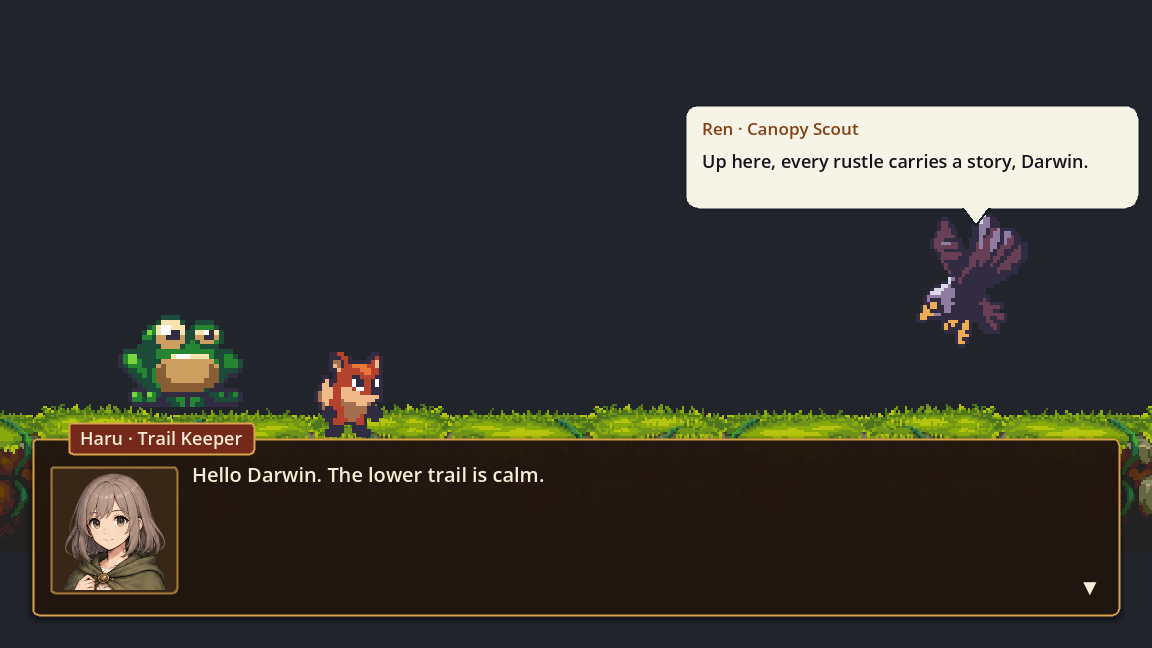
The included demo: a panel pinned to the screen and a speech bubble following the character who talks, in one conversation.
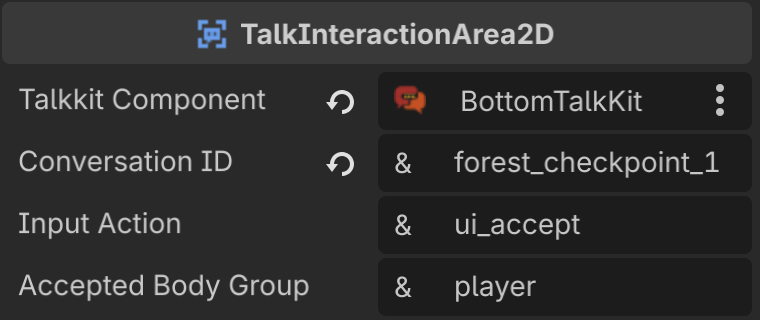
Run the game, walk up and press the key. No autoload, no base class, nothing in your architecture to change. Quick start →
Code is there when your game needs it, never before. Already have a "press E" system? It starts a conversation with one line:
$NPCTalkKit.play(&"greeting", {"player_name": "Darwin"})func _on_blocked(event_id: StringName, payload: Variant) -> void:
var accepted: bool = await choice_ui.ask(payload["options"])
$NPCTalkKit.play(&"quest_accepted" if accepted else &"quest_declined")There's no condition language here because your game already has one. How branching works →