
Box gallery
Ten dialogue boxes to start from, free to use in any game. Each one is only the box: colours, borders, a few flat shapes and a font. No art to fit around, so it sits on top of whatever your game looks like.
Add one to your project
- Download a box and unzip it into the root of your Godot project, so the
res://talkkit_presets/folder sits next toproject.godot. - In the TalkKit tab, open Dialogue Boxes and choose + New.
- Pick it under Your presets.
You get a copy, so change its colours, font or layers as much as you like. Choosing it again from + New starts from the original.
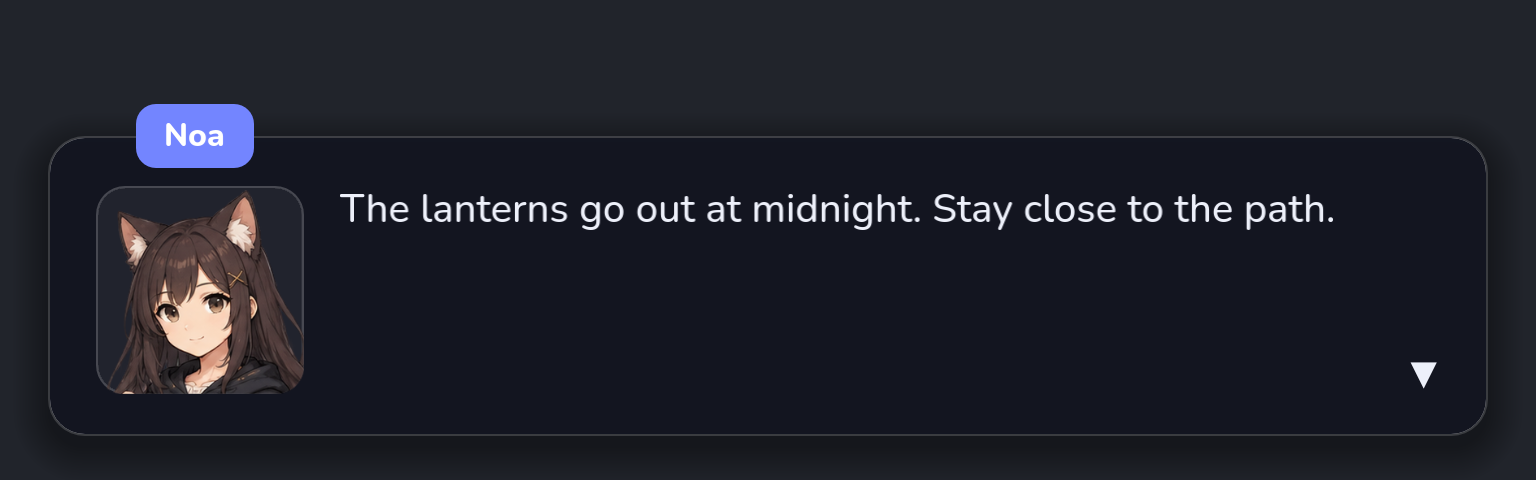
Translucent dark glass with a name tab. For quiet, modern story games.
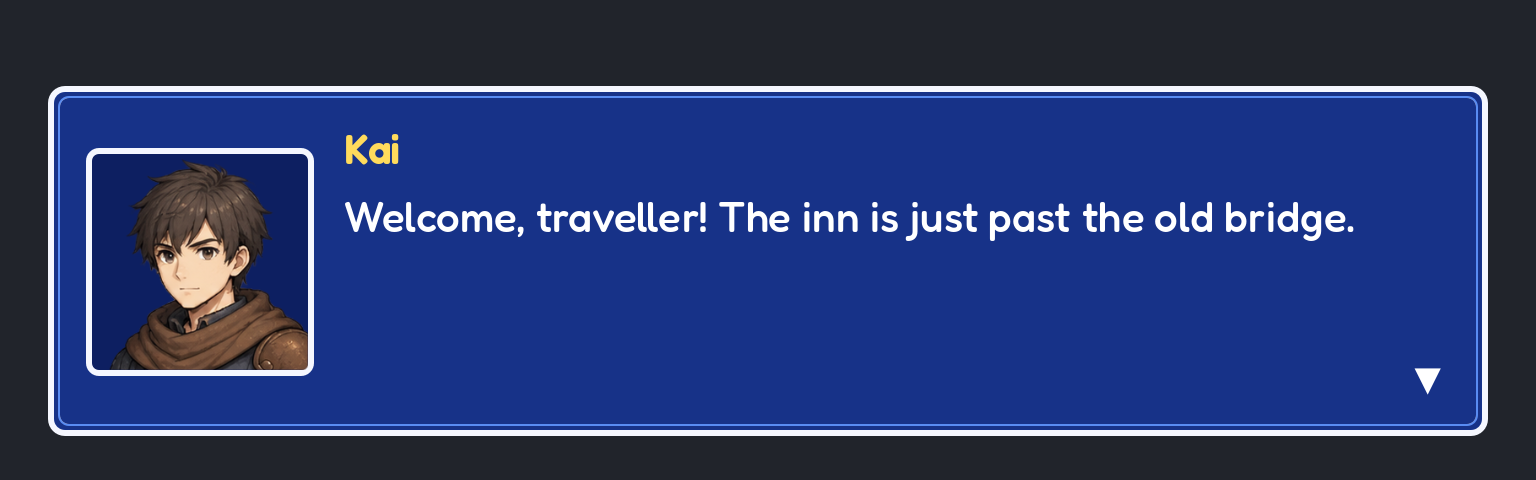
The blue window of console RPGs, with a white frame and a blinking arrow.
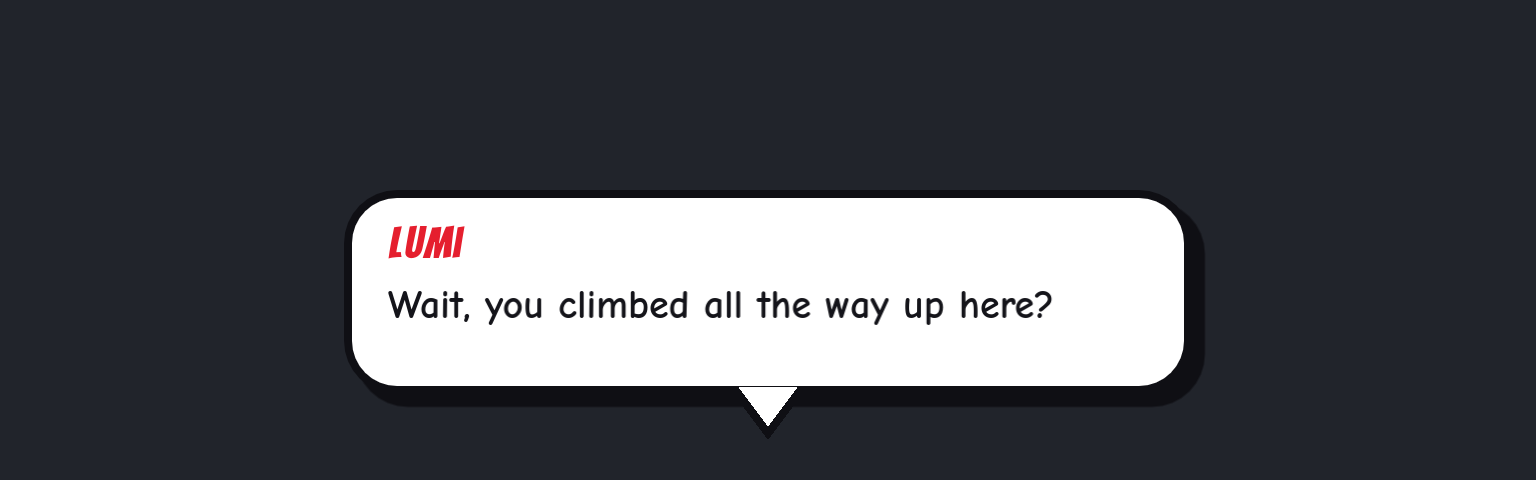
A speech bubble with a thick ink outline and a hard shadow.
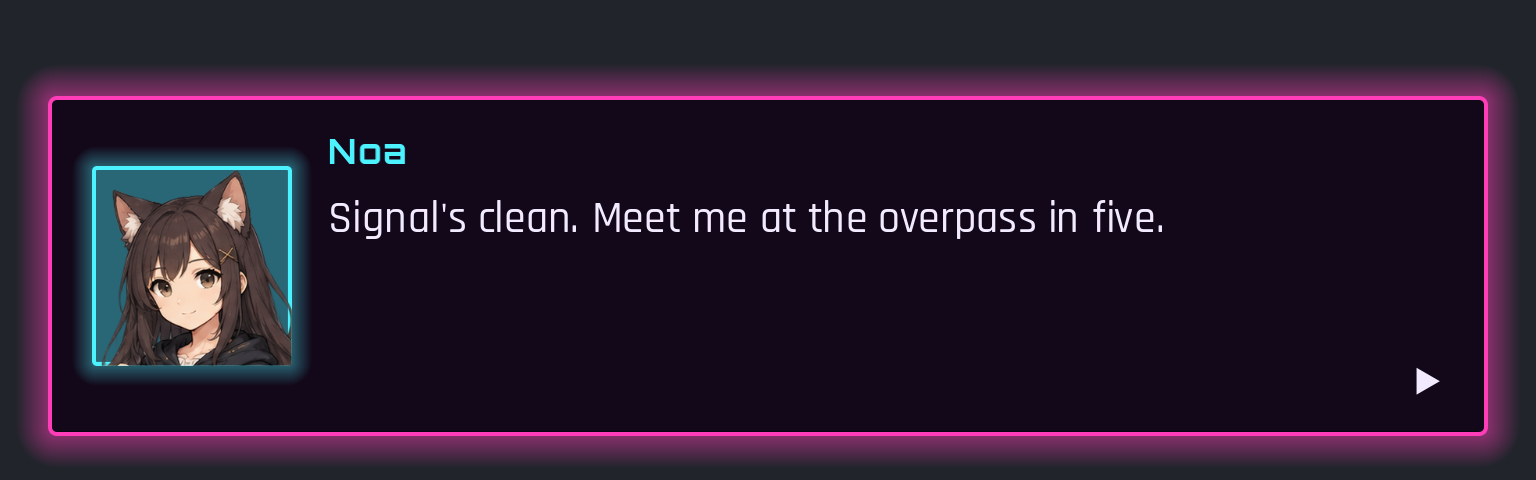
A glowing pink edge and cyan names, for cities after dark.
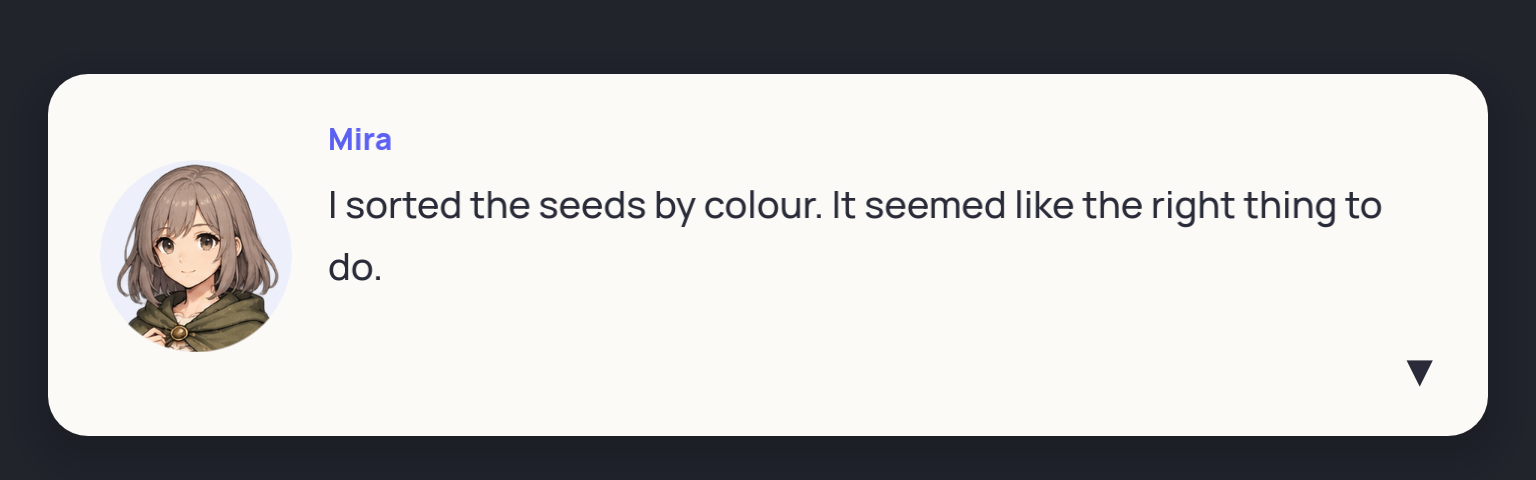
A soft white card with a round portrait. Clean and calm.
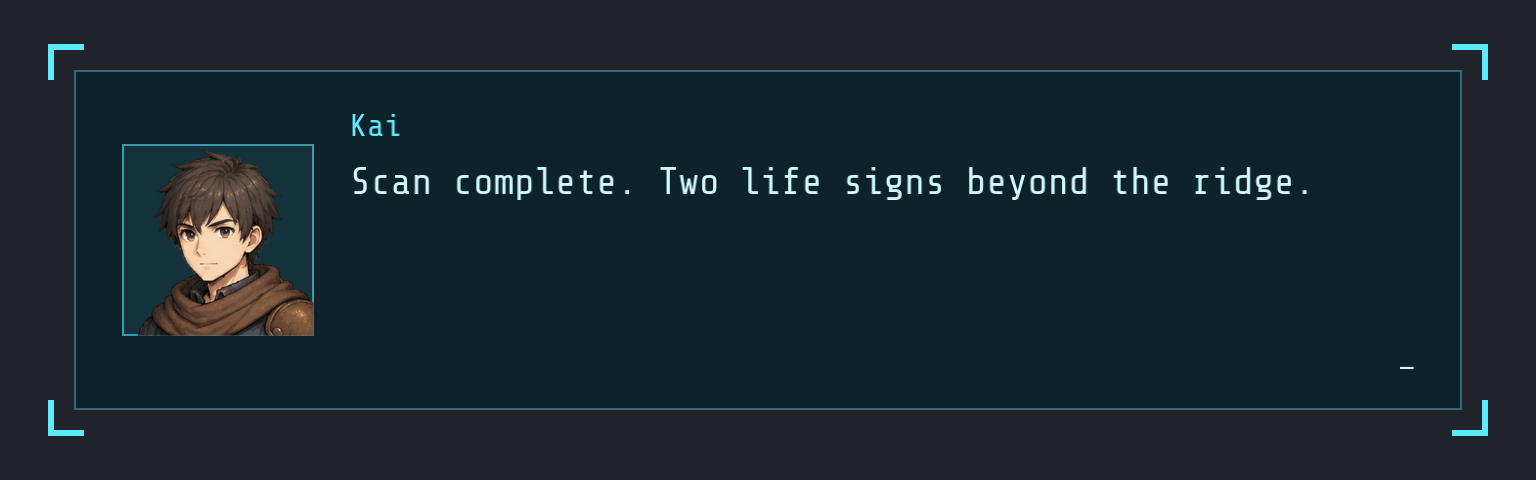
A see-through cyan panel with corner brackets and a mono font.
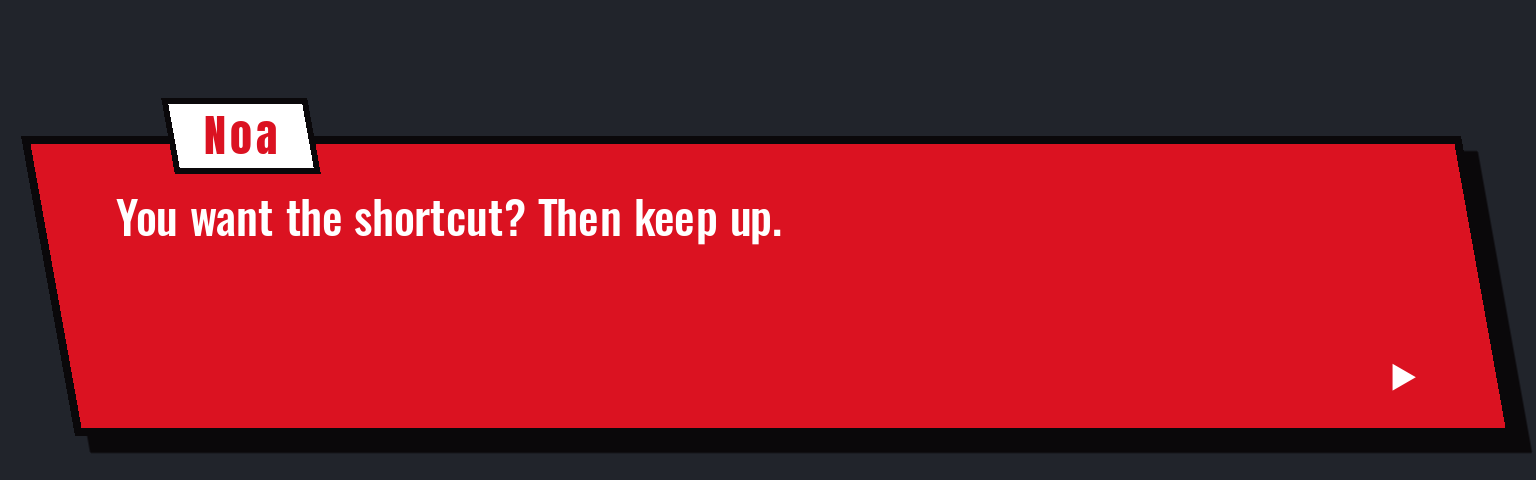
A slanted red panel with a white name tag. Loud and fast.
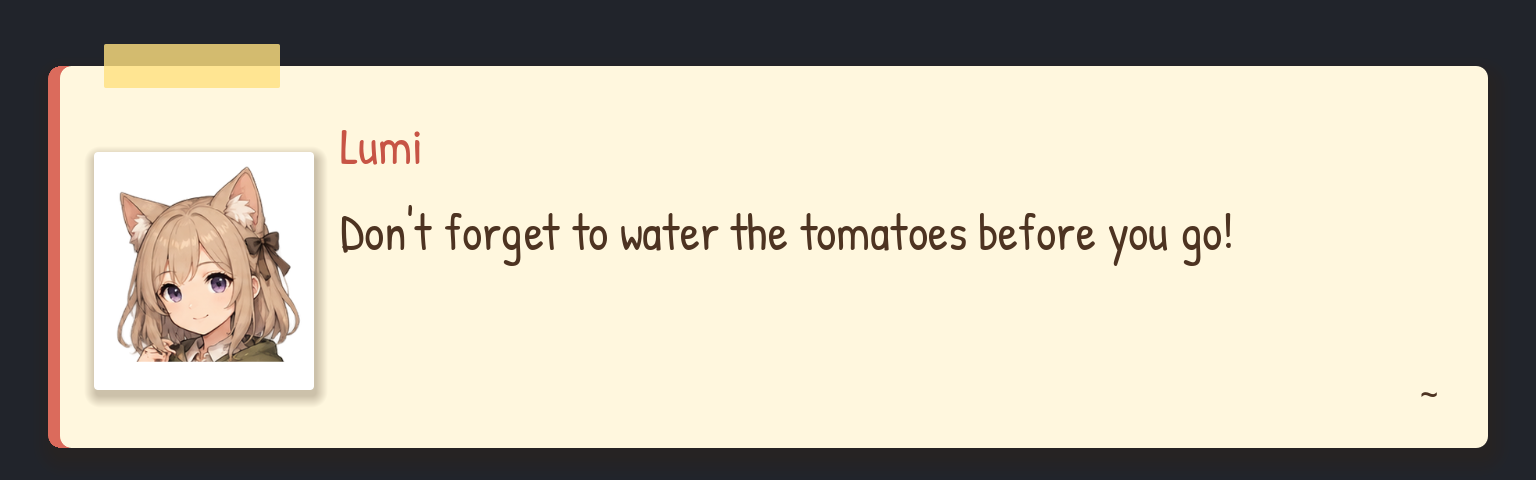
A paper note with a strip of tape and a photo portrait.
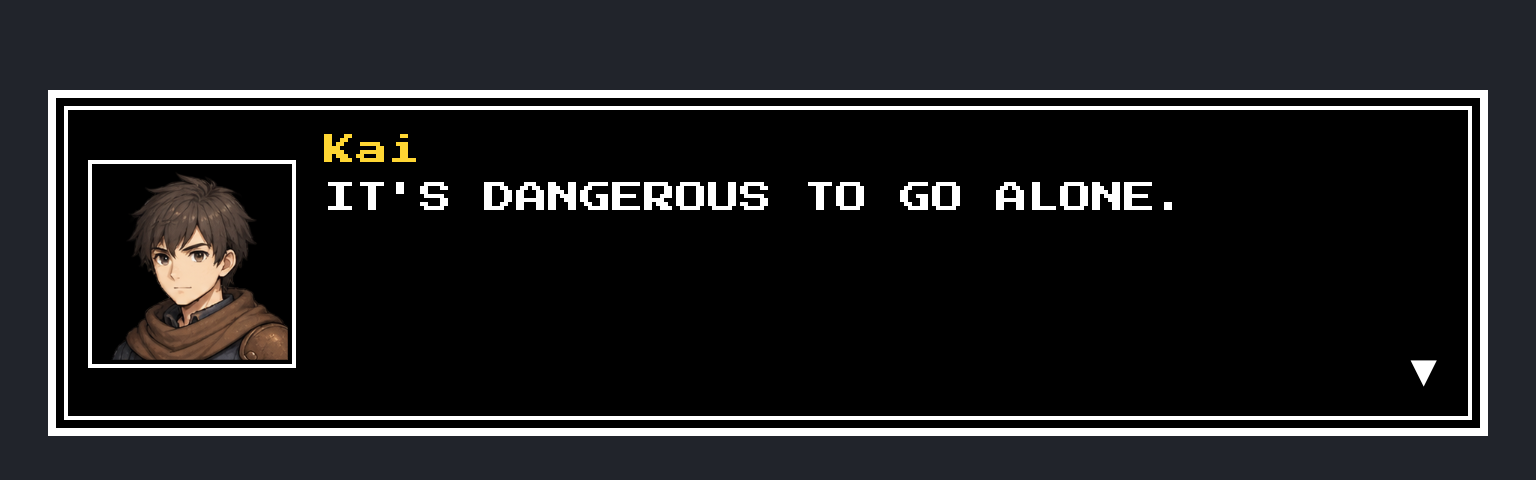
Black box, double white line, pixel font, no transitions.
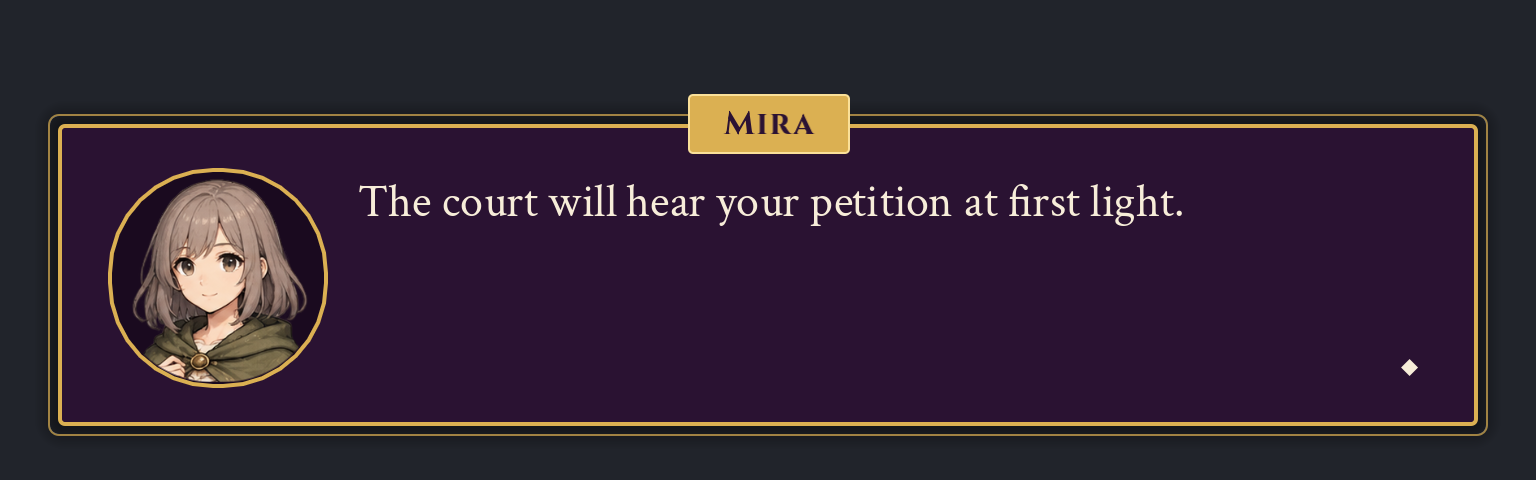
Deep purple with a gold double line and a centred name plate.
What is in a zip
The box as a .tres, its fonts, and a README. The portraits in the pictures are not included; the box shows your speakers' faces. The fonts are under the SIL Open Font License, and you can ship them in a commercial game.
The same addon draws all ten. To see how one is put together, open it in Dialogue Boxes and click a part of the preview; the Anatomy Map jumps to the setting that draws it.